De un documento de referencia a un video terminado: el camino completo
Los otros posts de este blog mostraron piezas sueltas — memoria, capítulos, Video Lab. Este es el recorrido completo, de punta a punta, tal como se usa en la práctica.
From a reference document to a finished video: the full path
The other posts on this blog showed separate pieces — memory, chapters, Video Lab. This is the complete journey, end to end, the way it's actually used in practice.
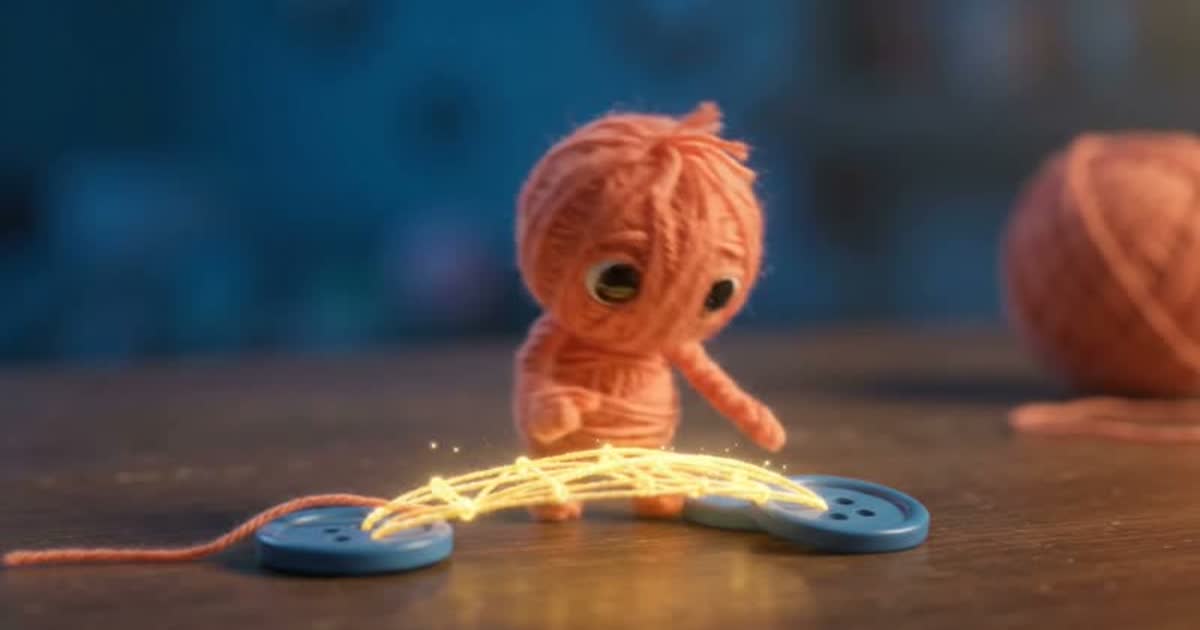
No hace falta escribir capítulo por capítulo sin ningún hilo conductor, ni salir de Hilo para armar el video final. El camino completo — desde una idea con algo de referencia hasta un video terminado con narración, imágenes y subtítulos — pasa por 5 pasos, todos dentro del mismo Proyecto Narrativo.
Sube un documento de referencia (una sola vez)
Si ya tienes notas, un guion, o un PDF que explica de qué trata tu historia, súbelo al Proyecto con "+ Subir documento". No hace falta resumirlo ni pegarlo en el chat — a partir de acá, cualquier capítulo que escribas lo tiene en cuenta.
Escribe los capítulos por chat
El chat de cada capítulo nuevo lee el documento de referencia y los capítulos que ya escribiste (no solo un resumen). Le pides que desarrolle la siguiente parte de la historia, revisas la respuesta, y la aceptas como el capítulo definitivo.
Narra cada capítulo
Con "Narrar este capítulo" generas el audio con la voz elegida para el Proyecto. Si el capítulo es largo, Hilo lo parte en partes internamente y las une con la misma voz — puede sonar levemente distinto entre partes, una limitación real de la síntesis de voz, no un error de nuestro lado.
Genera las imágenes
"Generar ilustración" no manda el capítulo entero como si fuera un prompt — lo analiza y te sugiere varias escenas concretas, cada una con su propio prompt editable. Eliges cuáles generar y ves el costo en créditos antes de confirmar.
Envía el capítulo a Video Lab
Con texto, narración e imágenes ya en el capítulo, "Enviar a Video Lab" arma un Proyecto de video nuevo: una escena por imagen, con la duración total repartida según tu narración, y subtítulos automáticos. Desde ahí puedes sumarle música de fondo, cambiar el efecto de cada escena, o reordenarlas.
¿Y si lo que quieres es un libro, no un video?
El mismo camino, con un final distinto. Un Proyecto de tipo Libro funciona igual que Narrativo — Biblia de la historia, capítulos, narración e ilustraciones — pero pensado para exportar como un libro ilustrado con portada, en vez de para armar un video. Si nunca lo probaste, los primeros 4 pasos de arriba son exactamente los mismos.
Por qué conviene pensarlo como un solo flujo, no como herramientas sueltas
Cada paso reusa lo que ya generaste en el paso anterior — el documento de referencia no se vuelve a pegar en cada capítulo, la narración no se vuelve a grabar para armar el video, las imágenes no se vuelven a subir a mano. Es la misma idea de fondo de todo Hilo (ver memoria real): cada pieza que generas queda disponible para la siguiente, dentro del mismo Proyecto.
Una honestidad que vale la pena repetir
Video Lab no genera un video continuo de varios minutos de una sola pasada — arma el video combinando tus imágenes (con movimiento de cámara automático) y tu narración real, repitiendo en loop lo que haga falta para cubrir capítulos largos. Es una forma real y rápida de convertir un capítulo escrito en algo mirable, no un sustituto de un editor de video profesional.
You don't need to write chapter after chapter with no connecting thread, or leave Hilo to put together the final video. The complete path — from an idea with some reference material to a finished video with narration, images, and captions — has 5 steps, all inside the same Narrative Project.
Upload a reference document (just once)
If you already have notes, a script, or a PDF explaining what your story is about, upload it to the Project with "+ Upload document". No need to summarize it or paste it into the chat — from here on, any chapter you write takes it into account.
Write the chapters over chat
The chat for each new chapter reads the reference document and the chapters you've already written (not just a summary). You ask it to develop the next part of the story, review the response, and accept it as the final chapter.
Narrate each chapter
With "Narrate this chapter" you generate audio in the voice chosen for the Project. If the chapter is long, Hilo splits it into parts internally and stitches them together with the same voice — it may sound slightly different between parts, a real limitation of the voice engine, not an error on our end.
Generate the images
"Generate illustration" doesn't send the whole chapter as if it were a prompt — it analyzes it and suggests several concrete scenes, each with its own editable prompt. You choose which ones to generate and see the credit cost before confirming.
Send the chapter to Video Lab
With text, narration, and images already in the chapter, "Send to Video Lab" builds a new video Project: one scene per image, with the total length split according to your narration, and automatic captions. From there you can add background music, change each scene's effect, or reorder them.
What if what you want is a book, not a video?
The same path, with a different ending. A Book-type Project works just like Narrative — story bible, chapters, narration and illustrations — but it's built to export as an illustrated book with a cover, instead of putting together a video. If you've never tried it, the first 4 steps above are exactly the same.
Why it's worth thinking of this as one flow, not separate tools
Every step reuses what you already generated in the one before — the reference document doesn't get pasted into every chapter again, the narration doesn't get re-recorded to build the video, the images don't get re-uploaded by hand. It's the same underlying idea behind all of Hilo (see real memory): every piece you generate stays available for the next step, within the same Project.
An honesty worth repeating
Video Lab doesn't generate several minutes of continuous video in one pass — it builds the video by combining your images (with automatic camera movement) and your real narration, looping whatever's needed to cover long chapters. It's a real, fast way to turn a written chapter into something watchable, not a substitute for a professional video editor.
Arma tu primer capítulo completo
Narrativo, Libro y Video Lab están disponibles desde el plan Mediano ($10.99/mes en adelante).
Build your first complete chapter
Narrative, Book, and Video Lab are available from the Standard plan ($10.99/month and up).