
Game Art · a Project type in Hilo
Game art that all looks like one game.
Pick a style once. Hilo draws your troops, castles, items and heroes to match, levels them up, animates the ones that matter, and exports a pack your engine can read.
ZIP · 8 MB · no account needed
Game Art Projects are part of the paid plans, with a 7-day free trial.
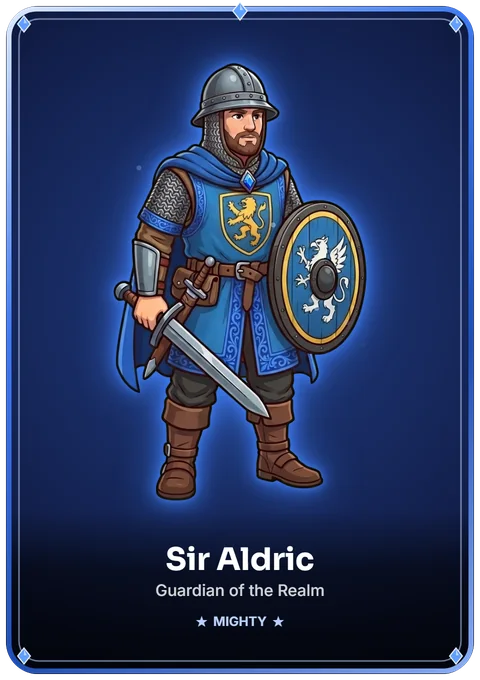
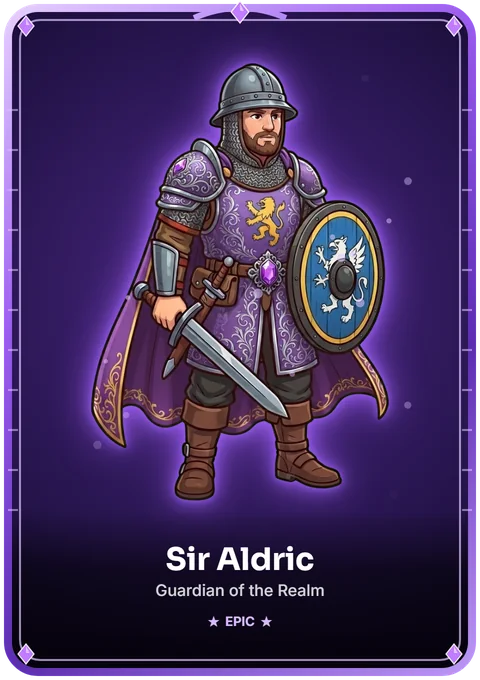
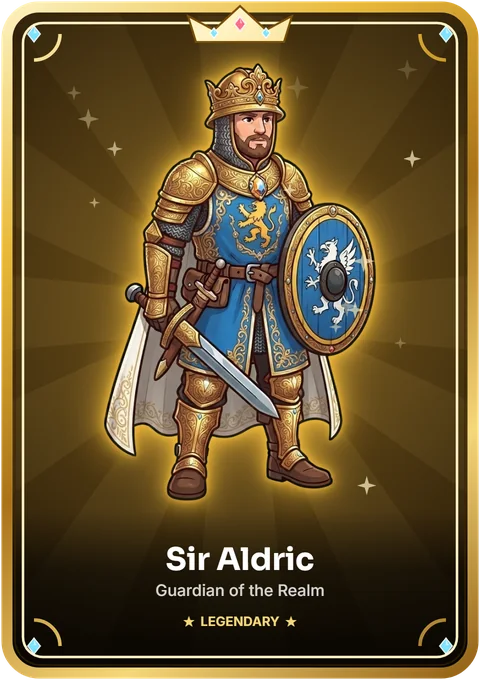
Everything on this page was made with Hilo. The sample pack holds a representative part of it.
They move, too.
Walks, stances, attacks and flames come out as looping sprite sheets, with the frame size and speed in a small .json file. These are playing right now.
archer_walk.png · 11 frames · 12 fpssoldier_attack.png · 30 frames · 12 fpsspearman_attack.png · 20 frames · 12 fpssoldier_gold_stance.png · 19 frames · 12 fpsarcher_attack.png · 30 frames · 12 fpscastle_on_fire_fire.png · 8 frames · 12 fpsEach move starts from a short generated clip, so animation needs the Standard plan or above. Static art does not.
One style, every piece.
Troops, buildings, items and ships share outlines, palette and light, because every piece is drawn from your Project's style while looking at an anchor piece you approved.
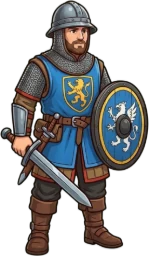
soldier@2x.png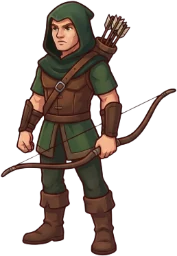
archer@2x.png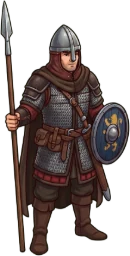
spearman@2x.png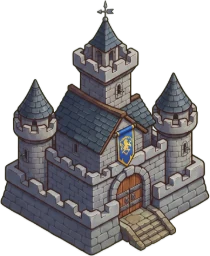
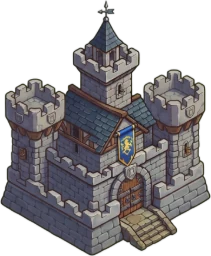
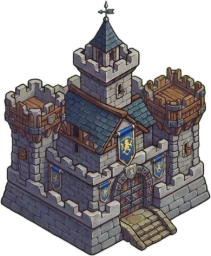
castle_lv01@2x.png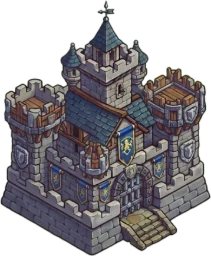
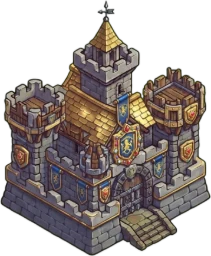
castle_lv04@2x.png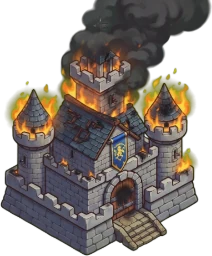
castle_on_fire@2x.png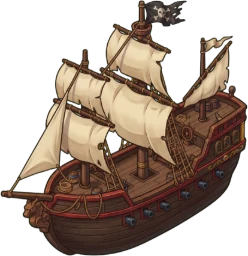
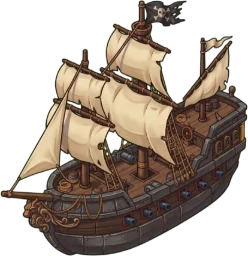
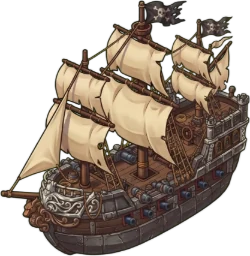
galleon_lv01@2x.png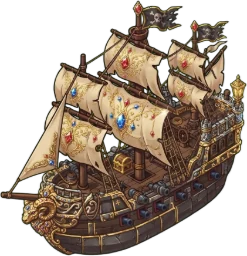
galleon_lv04@2x.png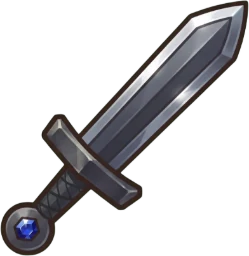
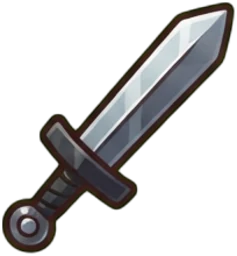
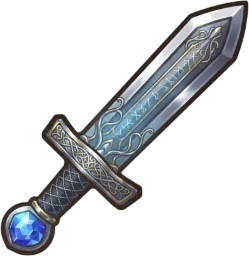
iron_sword_lv02@2x.png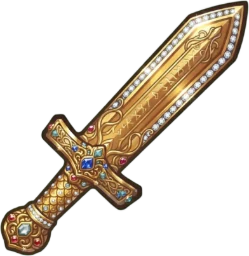
iron_sword_lv04@2x.png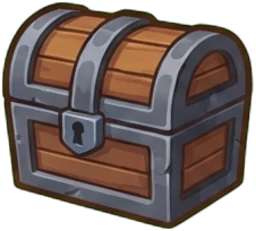
treasure_chest@2x.png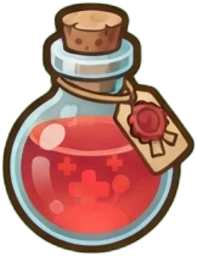
mana_potion@2x.pngLevel up without redrawing.
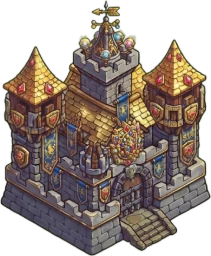
Turn any piece into a series of 2 to 12 levels. Each level builds on the one before, so the castle you upgrade is still your castle. Level badges come along.
Castle · 6 levels






Iron sword · 4 levels




Galleon · 4 levels




Heroes with rarity.
Mighty, Epic, Legendary: the same hero, one step grander each time. The frame, aura and name on the card are drawn right in your browser, free, and exported at 960 × 1360.
What you get.
A trimmed copy of a real export from a Project we made with Hilo: castle and galleon levels, a hero, items and three animations.
hilo-game-art-sample-pack.zip├─ png/21 pieces, @1x and @2x, transparent├─ atlas/1 sheet + Phaser data├─ animations/3 sprite sheets + .json├─ cards/1 hero card, 960 × 1360├─ badges/14 level badges├─ pieces.csvthe list, with categories└─ README.txtZIP · 8 MB · no account needed
In your own pack you choose @1x, @2x or @3x, and an atlas for Phaser, Unity, Godot or Cocos.
Atlas data follows each engine's public format. We haven't imported it into every engine yet; the loose PNGs always work.
From idea to pack.
- 1
Set the style
Start from the medieval template or edit the style text to match your game. Hilo keeps it as your Project's style.
- 2
Draw, multiply, level up
Ask for single pieces, lists of items or player avatars. Multiply any piece into colors, teams or states, and turn pieces into levels and heroes.
- 3
Animate and export
Animate what matters, then export PNGs, an atlas and animation sheets in one ZIP. The export runs in your browser and costs no credits.
What it is, and what it isn't.
It is
- 2D art in PNG, with transparent backgrounds.
- One consistent style across troops, buildings, items, ships and heroes.
- Looping animations made from short generated clips.
- A ZIP your engine can read.
It isn't
- 3D models or rigs.
- A game engine or a level editor.
- Strict pixel art: the look comes from your style text.
- Seamless terrain tiles: we haven't tested them yet.
Questions
Can I use the art in my game?
Yes, you can use the pieces in your game. Hilo doesn't use your pieces to train models. Because they are made with AI, they may not carry exclusive copyright; see section 6 of the Terms of Service.
Which plan do I need?
Game Art is a Project type, so it is part of the paid plans, with a 7-day free trial. Pieces use credits, one per standard piece. Animations need the Standard plan or above.
Which engines does it work with?
PNG works anywhere. The atlas comes with data for Phaser, Unity, Godot and Cocos.
Is the sample the full thing?
It is a trimmed copy of a real export, so you can check the files before you try Hilo: the pieces, the atlas, three animations, one hero card and the level badges.
See it with your own game.
Start free, or open the sample pack and look at the files first.